

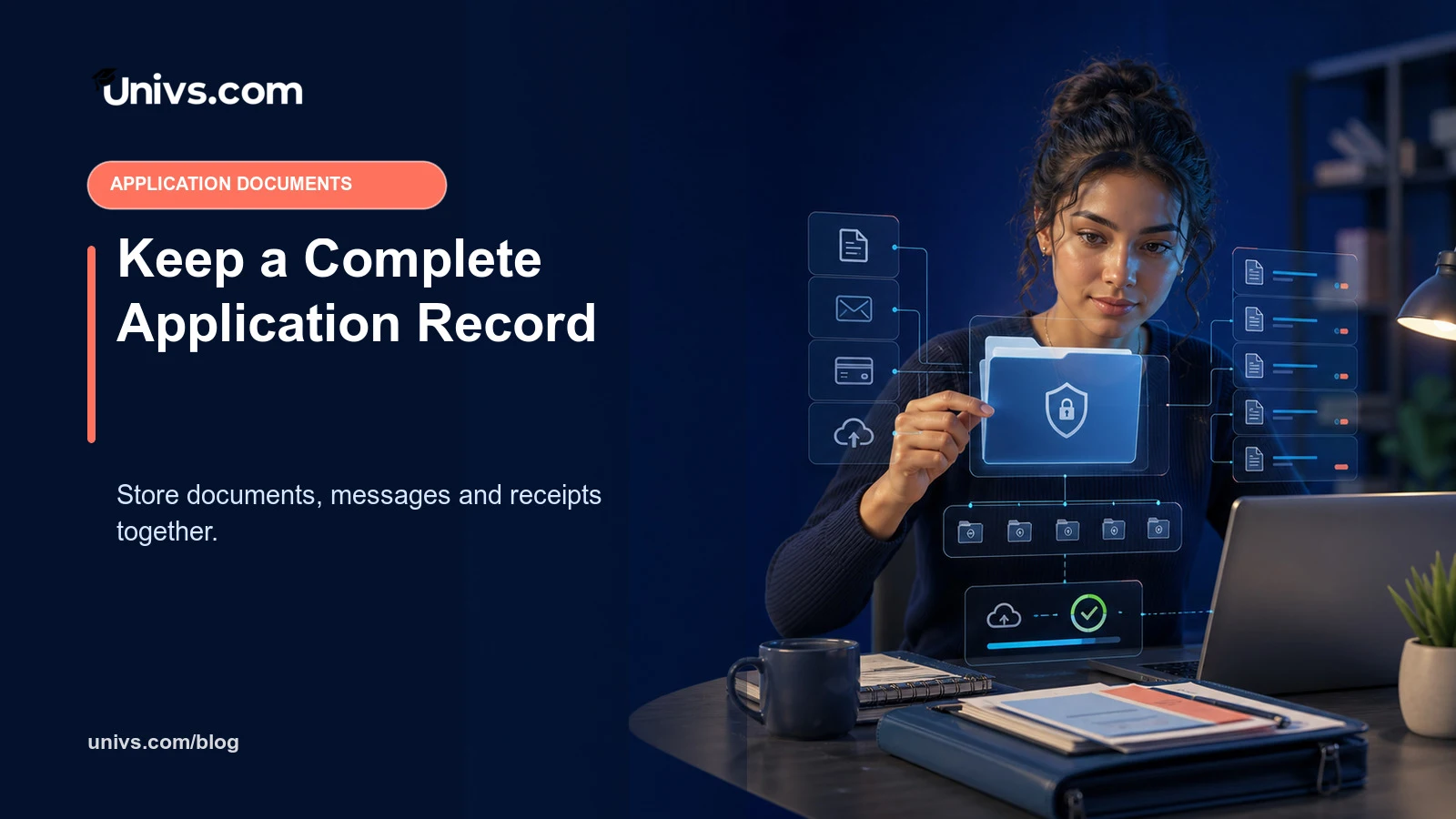
A complete application record shows what was required, what was submitted, what changed and what the university decided. It reduces duplicate uploads, missed deadlines and arguments based on memory. It also helps the student share only the information needed for the next step.
The record should be private, orderly and limited to the application. It is not a reason to copy confidential documents into every device, inbox or shared drive.
Create one folder for each application
Use the institution, programme and intake in the folder name. Keep separate applications separate, even when documents overlap. This prevents a motivation letter, fee receipt or programme-specific form from being sent to the wrong destination.
Separate masters from submitted versions
Keep untouched source documents in a protected “master” folder. Put the exact uploaded or emailed copy in a dated “submitted” folder. Do not overwrite the submitted version after the fact; create a new version only when the university requests or permits replacement.
Use clear version names
A useful name identifies the document and date without exposing passport numbers, diagnoses or bank balances. Avoid “final-final-new”. For a replacement, record why it changed and which message authorised it. The filename supports organisation; it does not replace the portal’s own document type.
Save the requirement source
Record the programme page, instruction, checklist or message and the date checked. Requirements can change. A short source note explains why a document was prepared in a particular format and makes it easier to recheck before a later intake.
Keep messages in their threads
Do not fragment one question across new emails, chat and support tickets. Save the original request and your reply together with the application reference, using the tracked messages and invoices guide to keep the response traceable.
Record deadlines and next actions
Use a calendar for document, payment, interview and acceptance deadlines. Include the timezone and a personal preparation date before the official cutoff. Mark the responsible person and status: not started, waiting for issuer, ready, submitted or confirmed.
Keep payment evidence connected
Store the invoice, bank receipt and recipient confirmation together. Record the amount, currency, date and reference. Do not treat a bank debit as confirmation that the university matched the funds. Link the payment to the correct application, not a general finance folder with no context.
Use the portal as the central record
The Univs student portal connects applications, documents, messages and updates. Use it as the operational record where the process applies, while retaining secure personal copies of critical submissions and decisions.
Protect access and backups
Use a strong password, multi-factor authentication and device protection. Keep one secure backup, but avoid automatic copies to shared family, school or workplace accounts. Do not give an agent, friend or adviser your personal login; use authorised access or send only the necessary file.
Keep decisions and conditions
Save offers, rejection notices, interview outcomes, enrolment instructions and any conditions. Record when a condition was met and how the evidence was submitted. An informal message should not replace the formal decision where one is required.
Write a short application timeline
Record the submission date, status changes, document requests, interviews, payments and decisions in chronological order. Link each event to the original evidence rather than rewriting its content. A timeline makes it easier to explain the history to the university or support team without exposing every file, and it reveals when two messages refer to the same unresolved requirement.
Audit the record before a major payment or decision
Before accepting an offer, paying tuition or booking travel, review the current programme, formal decision, conditions, invoice and latest message together. Confirm that there is no unresolved document request or conflicting version. This checkpoint turns the record into a practical safety tool rather than an archive that is consulted only after something goes wrong.
Application-record checklist
- One folder per programme and intake.
- Masters separated from exact submitted versions.
- Requirements, deadlines and messages recorded.
- Invoices, receipts and confirmations linked.
- Access limited and one secure backup maintained.
Use a handover note when someone is authorised to help
If an authorised counsellor, parent or representative assists, write a short note showing what they may do, which action remains yours and where the official record is kept. Do not share passwords. Record any document they submitted and request a copy of the confirmation. A clear handover prevents two people from paying, replying or replacing the same item independently.
Close the file carefully
After the process, retain records for the period genuinely needed for enrolment, payment, immigration or appeal, then dispose of unnecessary duplicates securely. Before deleting anything, confirm that the formal enrolment, refund, appeal and document-return periods have ended. Keep the final decision and essential financial evidence in a protected archive, but remove temporary exports and uncontrolled copies from shared devices. Use the application tracking guide and the full Georgia application steps to keep the record aligned with the actual journey.
Editorial note
Requirements can change and may differ by institution, programme and applicant. Recheck current university and government guidance before paying or travelling.
For comparisons, we assess the stated student brief, current route availability, discovery breadth, application ownership, progress visibility, support, costs and duplicate-application risk. Univs publishes this page and may have commercial relationships with institutions; those relationships do not determine admission decisions. Read our editorial standards.