

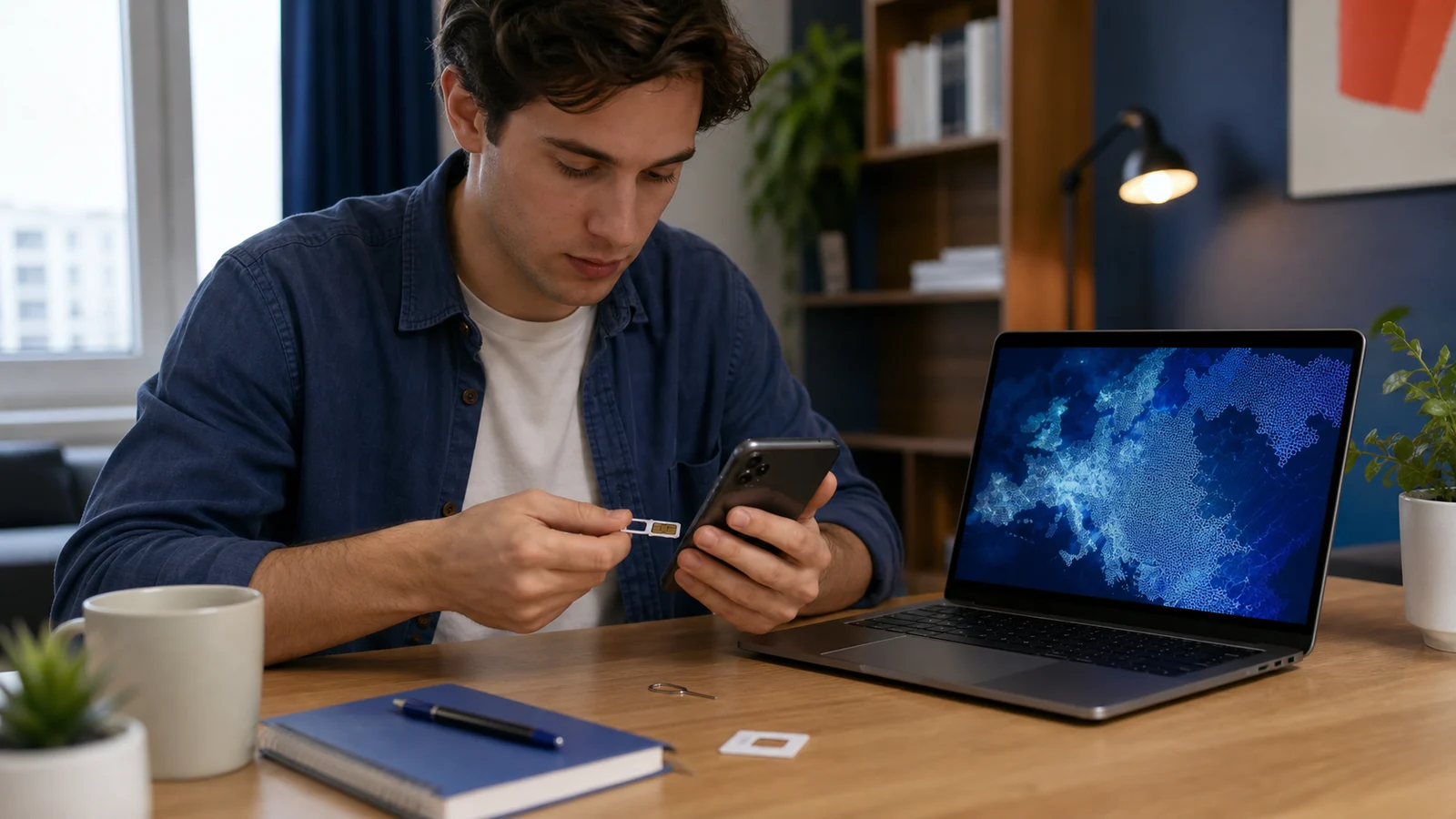
A working Georgian phone number helps an international student receive calls, use maps, access banking security and follow university or portal messages. The best mobile plan is the one with reliable coverage and understandable renewal terms—not necessarily the package with the largest headline data allowance.
Provider offers, prices and identification rules change. This guide explains what to compare and how to protect the account without endorsing a particular operator.
Prepare an arrival connection before landing
Save the accommodation address, pickup contact and essential maps offline. Airport or accommodation Wi-Fi can be useful, but should not be the only plan. Tell a trusted contact when you expect to connect and what to do if your arrival is delayed.
Buy from a traceable provider or authorised outlet
Use a location where the operator, package and receipt are clear. Avoid an unsealed SIM or account registered to an unknown person. Georgia’s Communications Commission regulates authorised electronic-communications activity; provider identity matters when a number later needs support or replacement.
Expect identity checks
Ask which original identity document is required and why. Verify that staff are using the provider’s normal registration process. Do not allow a stranger to photograph unrelated visa, bank or university records merely because a passport is needed for SIM registration.
Prepaid or contract?
Prepaid service may offer simpler control for a new arrival, while a contract may include different prices or commitments. Compare minimum term, renewal, cancellation, deposit, late-payment rules and whether the number remains active during a long trip outside Georgia.
Compare useful data, not marketing units
Estimate maps, calls, messaging, video classes, hotspot use and ordinary browsing. Check whether “unlimited” service has a speed or fair-use condition. A smaller stable plan plus campus or home internet can be better than an expensive package that is rarely used.
Test coverage where you study and live
City-centre coverage does not prove performance inside a particular apartment, clinic or classroom. Ask students in the same building, then test before committing to a long term. Keep the Georgia destination page beside the exact institution address when planning connectivity.
Understand top-up and automatic renewal
Record the renewal date, required balance and what happens when funds are insufficient. Some packages renew only if the full amount is available. Use the official app or provider route and keep the receipt; do not enter card details through a link sent by an unknown account.
Keep the phone number under your control
Set an account PIN where available, secure the email attached to the account and know the replacement process. A phone number can receive bank and password codes, so a lost SIM is an identity-security issue as well as an inconvenience.
Protect one-time codes
No university, bank, mobile operator or Univs support agent should need the one-time code that approves a login or payment. If a caller asks for it, stop and contact the organisation through a verified route. Do not screen-share a banking or password-reset process.
Roaming can create unexpected costs
Check whether the Georgian SIM works abroad, what roaming costs and how incoming calls or data are charged. Before travelling, download tickets and addresses, disable unnecessary background data and consider the safe local option at the destination.
Use a local number consistently
Update the number in the university and relevant student systems when appropriate. Avoid changing numbers repeatedly without updating trusted contacts. The Univs student portal guide explains how messages and application records remain organised even when phone contact changes.
Keep university messages independent of one device
Use a secure email address and remember the account-recovery route. The application tracking guide shows why the portal record matters when an ordinary call or text is missed. Do not let a temporary SIM loss remove access to every important account.
Check hotspot and tethering terms
A package may treat phone data and hotspot use differently. Confirm limits before relying on the phone for an online class or laptop assessment. Keep a stable home or campus option for important work rather than using mobile data as the only connection.
Review the plan after the first month
Compare actual data use, coverage, top-up frequency and support experience. Remove add-ons that are not useful and confirm the number’s active period. A small monthly review prevents automatic packages from continuing long after the original need has changed.
What if the phone or SIM is lost?
Freeze banking access if needed, contact the mobile operator through its verified support route and change passwords that rely on the number. Record the time, place and device details. Do not wait for someone who found the phone to request money or login codes.
Build a simple connectivity backup
Keep critical contacts offline, know a trusted Wi-Fi location and carry a charged power bank when travelling. A reliable number, protected account and modest backup plan are more valuable than chasing every short-term promotion.
Editorial note
Requirements can change and may differ by institution, programme and applicant. Recheck current university and government guidance before paying or travelling.
For comparisons, we assess the stated student brief, current route availability, discovery breadth, application ownership, progress visibility, support, costs and duplicate-application risk. Univs publishes this page and may have commercial relationships with institutions; those relationships do not determine admission decisions. Read our editorial standards.