

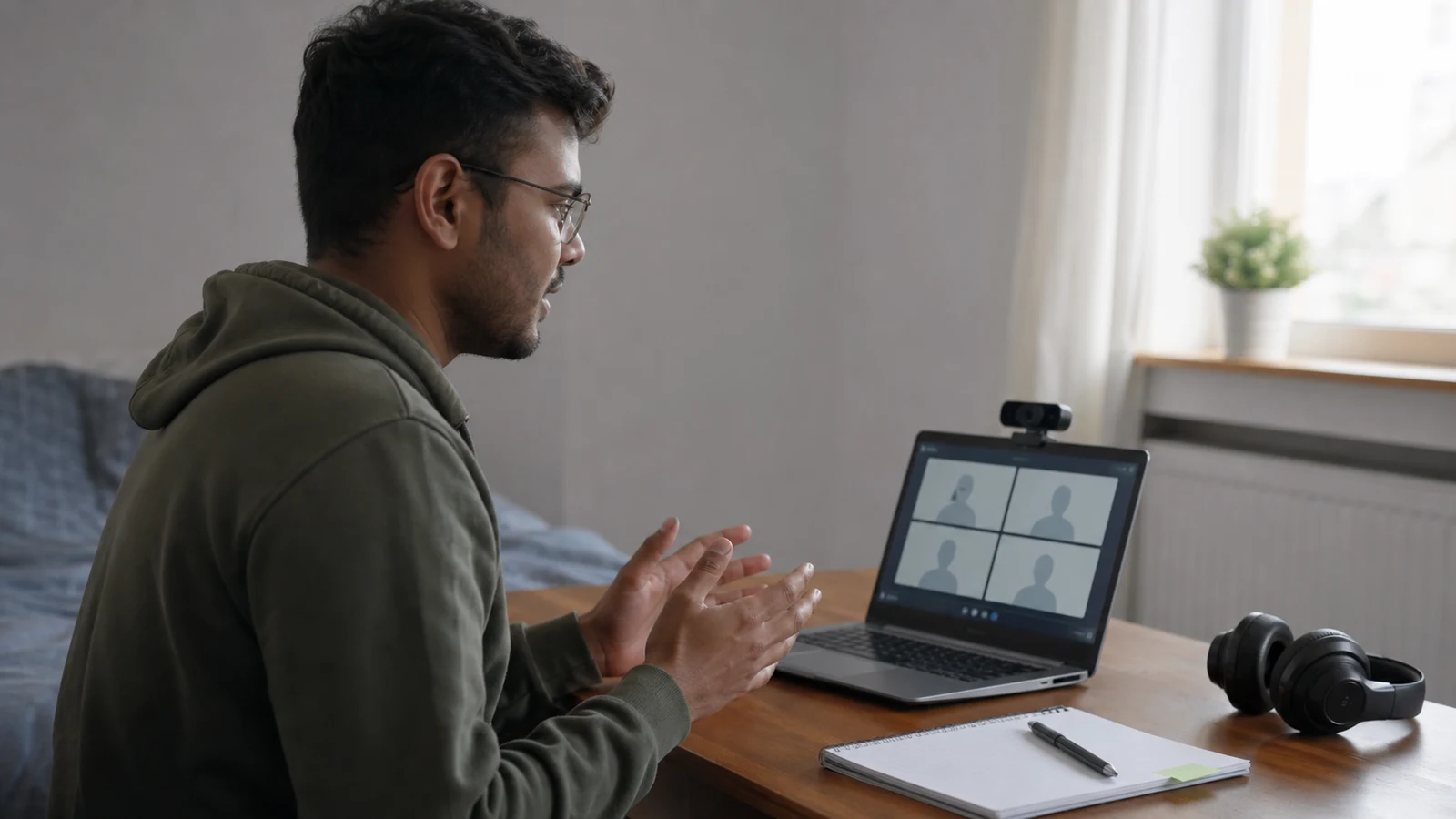
A virtual interview may be a live conversation, a panel call, a telephone interview or a recorded response completed through a recruitment platform. The core task remains the same: understand the role, communicate relevant evidence and learn about the opportunity. The technology adds practical risks that deserve deliberate preparation.
Follow the invitation and platform instructions exactly. Recording rules, permitted notes, response times and retry options vary. Do not use unapproved assistance, hidden prompts or another person during an assessment. If you need an adjustment, use the employer’s stated route as early as possible.
Identify the interview format
Confirm whether the conversation is live, recorded, telephone-based or combined with a task. Note the platform, time zone, duration, participants, response limits and deadline. A recorded interview may offer only a short preparation window, so do not assume it behaves like an ordinary video call.
Read every technical instruction
Check supported browsers, software, device requirements, identity checks and upload rules. Complete any official equipment test. Avoid installing unfamiliar software from an unverified message; navigate through the genuine recruitment portal or independently confirmed employer communication.
Test the complete setup
Use the same device, internet connection, microphone, camera and room you plan to use. Record a short answer and listen for echo, background noise or low volume. Check power, updates and storage, then close unnecessary applications that could interrupt the interview or expose private notifications.
Create a simple visual frame
Place the camera near eye level, use clear front lighting and choose a tidy, neutral background where possible. The aim is visibility, not an artificial studio. If virtual backgrounds are permitted, test edges and movement so the effect does not distract from your answers.
Protect privacy in the room
Remove confidential papers, personal photographs, account details and visible notifications. Tell household members when you need quiet, and use headphones if appropriate. Do not record the interview yourself unless the employer explicitly permits it and all relevant participants have agreed.
Prepare role-specific evidence
Review the vacancy, your submitted application and the organisation. Select examples for the most important criteria and organise them by situation, contribution and result. Keep brief prompts rather than scripts, unless the interview instructions prohibit notes altogether.
Practise speaking to the camera
Record several answers at the expected length and review pace, clarity, eye line and unnecessary movement. Looking occasionally at the interviewer’s image is natural. Do not memorise complete paragraphs; flexible points sound more conversational and respond better to follow-up questions.
Plan for recorded questions
Practise reading a prompt, taking a short moment to organise an answer and speaking within a fixed time. Follow the platform’s retry and preparation rules. Do not search for leaked questions or use another device for prohibited assistance; these practices can invalidate the process.
Manage a live panel conversation
Note names and roles from the invitation where provided, greet the group and pause after questions because connection delays can cause overlap. Address the person who asked while including the panel naturally. Ask for clarification when a question or audio connection is genuinely unclear.
Prepare a failure plan
Keep the recruiter’s support contact, interview link and a charged phone available. Decide how you will reconnect after a dropped call. If a technical problem affects an answer, explain it briefly and follow the employer’s process rather than repeatedly restarting or hiding the issue.
Choose useful questions
Prepare questions about responsibilities, team priorities, induction and the recruitment timeline that have not already been answered. A virtual format is still a chance to assess the opportunity. Keep questions concise and allow time for the interviewer’s closing instructions.
Join with enough time
Complete final checks in advance, then open the official link at the requested time. Joining extremely early can be as unhelpful as joining late when platforms create waiting rooms. Have water, requested documents and permitted notes within reach before the session begins.
Reflect after the interview
Record the questions, useful information, technical issues and examples you would improve. Send any requested documents through the stated route. If follow-up is appropriate, keep it short and accurate; do not reinterpret a friendly conversation as a promise of employment.
Handle visual notes carefully
If notes are permitted, keep them below or beside the camera and use only short prompts. Reading large blocks from the screen makes eye movement and delivery unnatural. Do not place prohibited answers, generated responses or another person outside the camera view.
Prepare your professional appearance proportionately
Choose clothing appropriate to the role and organisation, then test how colours and patterns appear on camera. Comfort supports clear communication. The aim is a tidy professional presentation, not an expensive uniform or a background designed to signal status.
Reduce preventable cognitive load
Arrange the link, documents, water, charger and permitted notes before the session. Silence devices and finish unrelated tasks. A simple setup leaves more attention for listening and answering, while last-minute searching increases the risk of avoidable mistakes.
Final checklist
- The exact interview format, time zone, platform and rules are confirmed.
- Camera, microphone, connection, power and backup contact have been tested.
- The background protects privacy and the device hides unrelated notifications.
- Examples are role-specific, concise and not memorised word for word.
- The failure, accessibility and follow-up routes are understood.
Explore academic pathways using the Univs programme catalogue, compare institutes on Univs and learn how Univs supports students. The employer’s current interview invitation and platform rules remain authoritative.
Editorial note
Requirements can change and may differ by institution, programme and applicant. Recheck current university and government guidance before paying or travelling.