

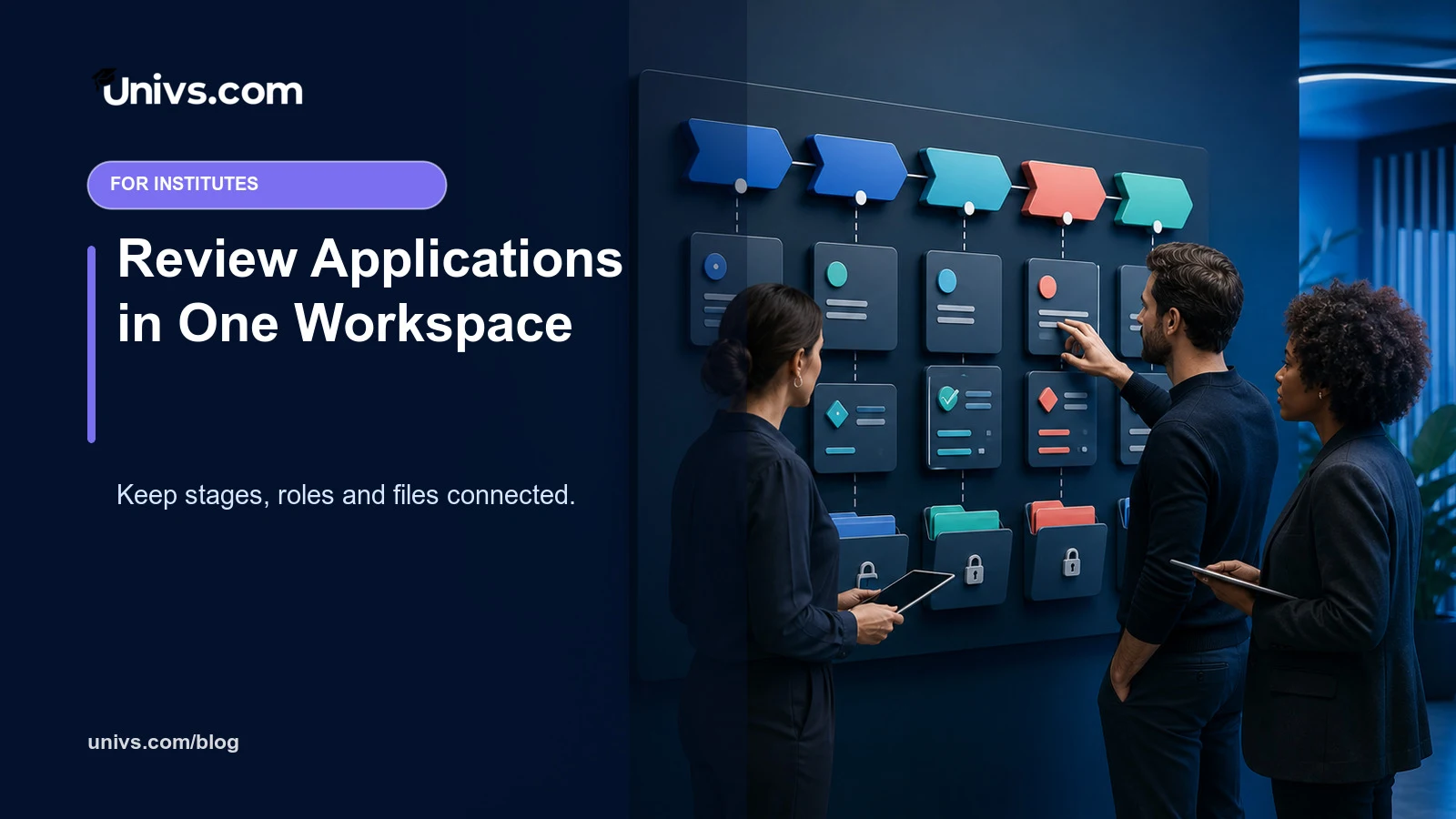
International applications can become fragmented when lists, messages, documents and status updates are maintained in separate tools. Staff may spend time finding the latest record instead of reviewing the academic case.
The Univs institute workspace is designed to bring assigned applications into a scoped view with programme, intake, status and follow-up context. Access is tied to institute permissions rather than exposing every case to every user.
A shared workspace improves visibility only when the institution defines responsibilities, status meanings and review standards.
The short answer
Univs helps institute teams review applications in one workspace by keeping the assigned case, current status, messages, document requests and timeline context together. The institution can organise work and update its process while retaining responsibility for access, review and admission decisions.
How the benefit works
| Institute need | Useful Univs role |
|---|---|
| See assigned applications | Use an institute-scoped list rather than a mixed global queue |
| Understand workload | Review counts and status distribution without opening every case |
| Work on the case | Keep status, messages and document actions connected |
| Protect boundaries | Grant capabilities according to staff responsibilities |
A scoped queue protects context
Institute staff should see the applications they are authorised to handle, with the programme and intake visible beside each record. This reduces mistaken cross-institution work and makes the list useful for daily triage. Access control remains an operational safeguard, not a substitute for staff confidentiality duties.
Status distribution shows where work sits
Counts by status can reveal a large pending group or a stage that is not moving. They do not explain the cause by themselves. Teams should define each status, its owner and expected next action before using a dashboard as evidence of performance.
The application page should tell one story
A reviewer needs the selected programme, intake, current status, communications and requested evidence in one coherent sequence. When actions are separated from the case, staff can repeat a request or miss a recent reply. A unified timeline supports reconstruction without turning every event into an admission conclusion.
Current-state checks prevent silent overwrites
Two reviewers may open the same application at once. A safe workflow should detect when the status changed after a page was opened and ask the second user to reload. This protects the latest decision from being replaced by an older screen, while the institute still needs clear rules for resolving disagreement.
Unread work needs a defined owner
Message and document indicators are useful only when someone is accountable for them. Institute teams should agree which role checks incoming items, how often the queue is reviewed and when a case moves to another department. A visible count without ownership simply makes delay measurable.
Programme and intake filters support prioritisation
Different programmes may have different deadlines, reviewers or evidence needs. Sorting work by course, intake or status can help allocate capacity. It should not encourage faster decisions for one group without an academic or operational reason, and urgent flags should always have a documented basis.
Exports support analysis, not parallel truth
A CSV export can help with approved reporting or reconciliation, but it should not become an uncontrolled second admissions database. Teams should limit access, protect personal data and return to the live case for current status. Old spreadsheets must not override a more recent application record.
The dashboard should support review quality
The goal is not merely to move applications through stages quickly. A useful workspace makes missing evidence, unanswered communication and unclear ownership visible. Institutions should balance timeliness with consistent academic assessment and keep any service target separate from the admission standard.
How institute teams should use this well
Define institute roles before inviting staff: who may view applications, change status, send messages, request documents or export reports. Train with fictional cases, review access regularly and publish a short status dictionary. Use the dashboard for triage, then make consequential decisions from the complete case record.
What still belongs to the institution
The institution controls reviewer assignment, academic criteria, final decisions, data handling and internal escalation. Univs can provide a scoped workspace and audit-friendly context, but it cannot decide who should be admitted, replace institutional policy or make an exported copy safe after it leaves the platform.
Questions to ask during onboarding
- Which applications should each role be able to see?
- What does every status mean and who owns it?
- How are concurrent changes and disagreements handled?
- Who checks unread messages and pending documents?
- When is an export necessary and how will it be protected?
A practical next step
Write a one-page operating map for one programme: roles, allowed actions, status definitions, queue-review frequency and escalation route. Test it with a fictional application from submission to decision. Adjust permissions and instructions before assigning real cases.
Final perspective
Univs helps institute teams by putting application work into one visible, scoped context. The strongest outcome is not faster clicking; it is a clearer institutional process in which the right staff can see the right case and understand the next responsible action.
Continue with the institute platform overview, Univs platform principles, the student-facing journey and current institute listings.
Editorial note
Requirements can change and may differ by institution, programme and applicant. Recheck current university and government guidance before paying or travelling.