

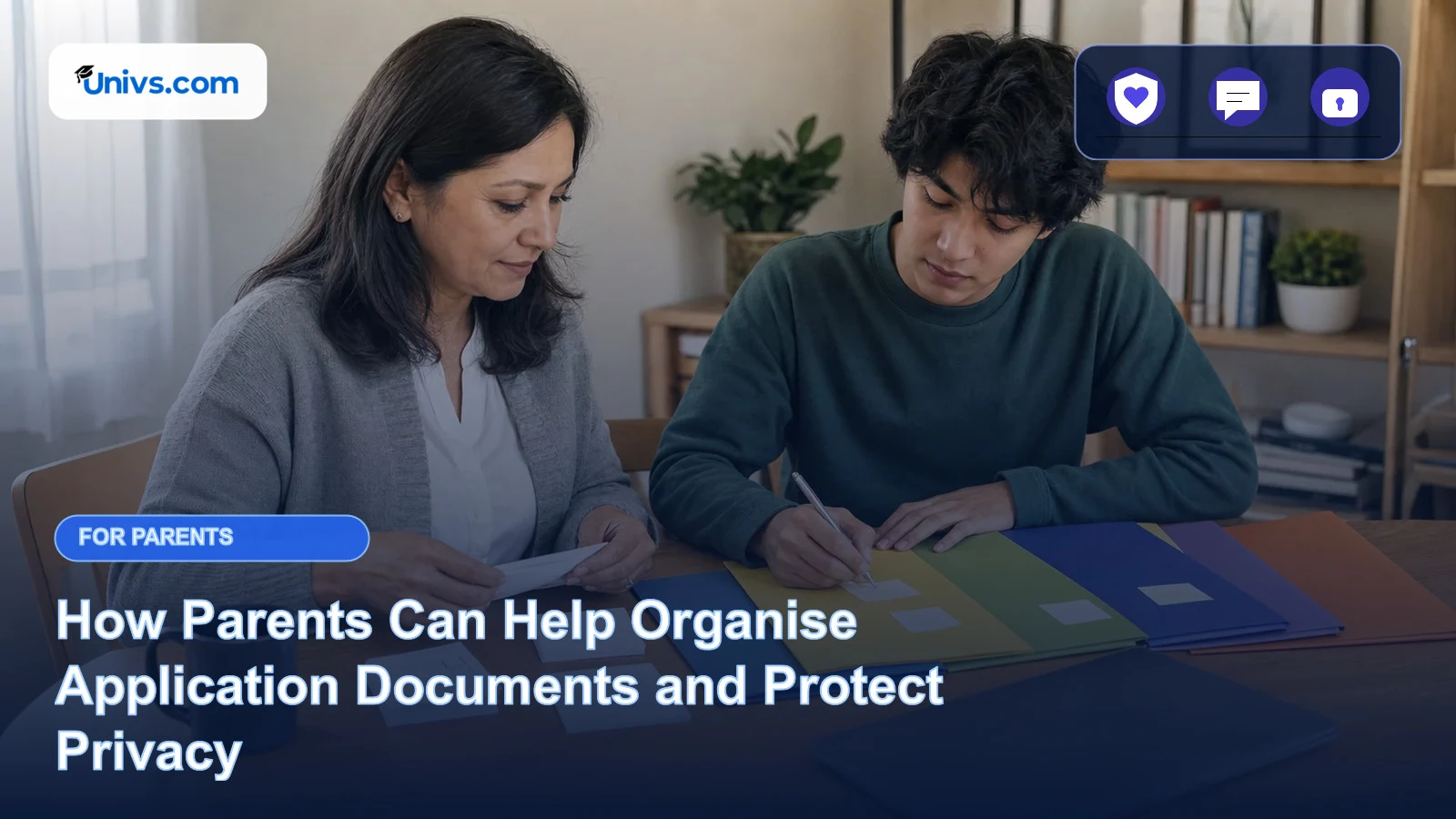
Document preparation is one of the most practical ways a parent can help. A careful second person can notice an unreadable scan, inconsistent filename or missing page before the student submits anything.
The same help can create privacy problems if passports, transcripts and financial records are copied into family chats, personal email chains or several cloud folders. Organisation should reduce exposure, not multiply it.
Univs keeps personal application work within the authenticated student journey. The student should control uploads and account access, while a parent helps with a limited checklist and only with the student’s consent.
The short answer
Parents can help create a document inventory, check readability, confirm versions and keep deadlines visible. The student should control the account, decide what is submitted and protect passwords and identity files. Use the smallest necessary sharing route and never create duplicate or altered evidence.
Parent support at a glance
| Parent can help with | The student should control |
|---|---|
| Maintaining a blank document checklist | Holding the private files and account login |
| Checking scan quality and filenames | Confirming truthfulness and final submission |
| Helping create a secure backup plan | Giving consent for any third-party access |
| Recording what was sent and when | Responding to private document requests |
Create an inventory without copying everything
List the document type, owner, current version, language, expiry date where relevant and status. The checklist can remain free of full document numbers and sensitive images. It should show work, not become another unsecured archive of the student’s identity.
Let the student hold the source files
The student should keep the originals and the definitive digital versions in secure storage. A parent can review a temporary copy when needed, then remove it from shared devices and downloads. Do not leave passport or transcript images on a family computer by default.
Check readability and completeness
Open every page at normal size and verify orientation, cropping, colour, signatures or stamps where genuinely required, and the requested file format. A clear scan should preserve the document; it should not be edited to improve grades, dates, names or appearance.
Use consistent, neutral filenames
A filename can identify document type and student without exposing unnecessary data. Avoid full passport numbers, dates of birth or private account references. Keep one naming pattern so the student can recognise the correct version during upload.
Protect the one authoritative version
Mark superseded files and avoid parallel edits in several folders. If a translation or corrected document arrives, record why it replaced the earlier version. The student should know which file was submitted and retain the corresponding confirmation.
Use the authenticated route for uploads
Do not send identity or academic documents through an unrelated contact form, public comment or social channel. The student should use the verified application route connected to the case and confirm that the upload appears in the expected record.
Share only what a question requires
A general question about file format rarely needs the complete passport, transcript and financial history. Redact only when the recipient allows it and do not alter official evidence. When in doubt, ask what exact file or field is needed before sending anything.
Plan secure retention and deletion
Keep necessary evidence long enough for the application and any formal follow-up, but remove convenience copies from downloads, messaging apps and borrowed devices. Follow the platform and university privacy processes for access, correction or deletion questions.
How to support the student well
Parents can own the checklist process while the student owns the documents. Schedule one review before submission, use a secure device and finish by confirming which files remain with whom. This creates useful quality control without turning the family into an uncontrolled document-sharing network.
Privacy and consent
Identity documents, academic records and financial evidence are sensitive personal data. Do not share them with relatives, community groups or unknown advisers for reassurance. The student’s consent should be specific, and a support route may still need to verify identity or limit what it discloses.
Why this matters for international families
Applications may involve translations, legalisation, different date formats and remote assistance across borders. A version-controlled checklist reduces confusion while secure storage protects the student from unnecessary exposure. Language help should explain a document, never rewrite its meaning.
Keep a simple family evidence file
Keep the inventory, final submitted versions, upload confirmations and written correction requests. Record who reviewed a file and what they checked without adding private commentary. A clean audit trail helps resolve questions without sending the entire document set again.
What Univs and parents cannot decide
Parents and Univs cannot create missing academic evidence, certify a translation, legalise a document or decide that an altered file is acceptable. Universities and relevant authorities set document rules. Never manufacture, edit or misrepresent evidence to meet a requirement.
Questions to discuss together
- Which files are actually required for this route?
- Who holds the one authoritative version?
- Can the parent review without keeping a copy?
- Where will the student upload and confirm the file?
- When should convenience copies be removed?
A practical next step
Make a metadata-only inventory before opening any sensitive file. Then let the student select the final versions, complete one secure quality review and upload through the recognised route. Remove temporary copies from shared devices afterwards.
Final perspective
Parental help with documents is valuable when it improves quality and reduces exposure at the same time. Univs provides a private application context; clear ownership, minimal sharing and version control help families use that context responsibly.
Continue with the student portal guide, the Univs privacy policy, the application journey and the tracking and record guide.
Editorial note
Requirements can change and may differ by institution, programme and applicant. Recheck current university and government guidance before paying or travelling.
For comparisons, we assess the stated student brief, current route availability, discovery breadth, application ownership, progress visibility, support, costs and duplicate-application risk. Univs publishes this page and may have commercial relationships with institutions; those relationships do not determine admission decisions. Read our editorial standards.