How Univs Supports International Recruitment
Learn how Univs can connect discovery, applications, communication and reporting while institutes retain programme ownership and admissions authority.
Read article

Guides and updates
Practical, source-aware guidance about Georgia, university applications, programmes, student support, the Univs platform, and education partnerships.
Learn how Univs can connect discovery, applications, communication and reporting while institutes retain programme ownership and admissions authority.
Read articleExplore How Univs Builds Trust Through Reviews and Verification with current evidence, practical checks and clear next steps for international students..
Read articleExplore How Univs Helps Institutes Monitor Recruitment Activity with current evidence, practical checks and clear next steps for international students..
Read articleExplore How Univs Keeps Institute Admissions Information Current with current evidence, practical checks and clear next steps for international students..
Read articleExplore How Univs Helps Institutes Request Documents with current evidence, practical checks and clear next steps for international students..
Read articleSee how application-linked messages, status context and responsible templates help institute teams communicate clearly while protecting student information.
Read articleExplore How Institute Teams Review Applications on Univs with current evidence, practical checks and clear next steps for international students..
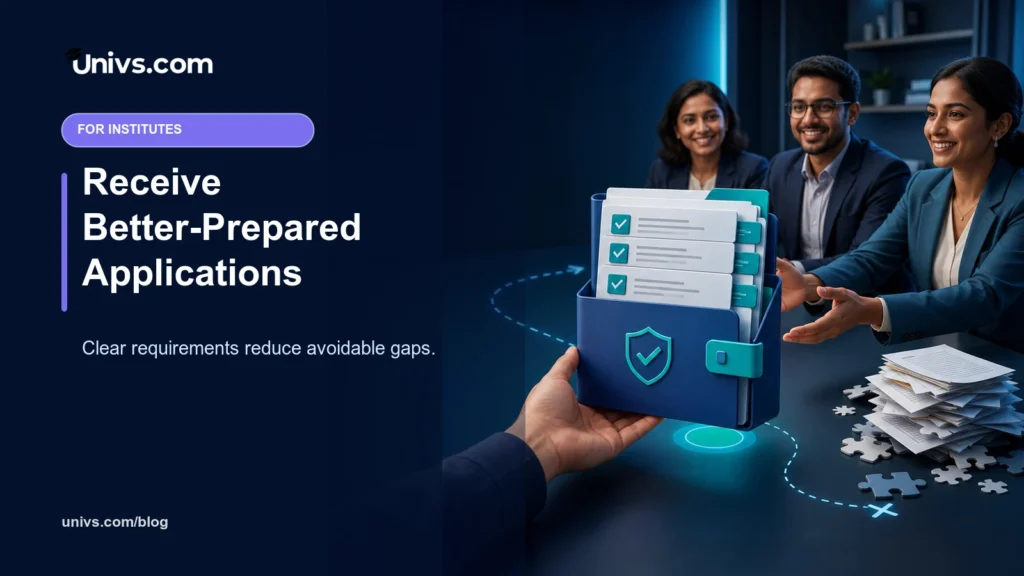
Read articleExplore How Univs Helps Institutes Receive Better Applications with current evidence, practical checks and clear next steps for international students..
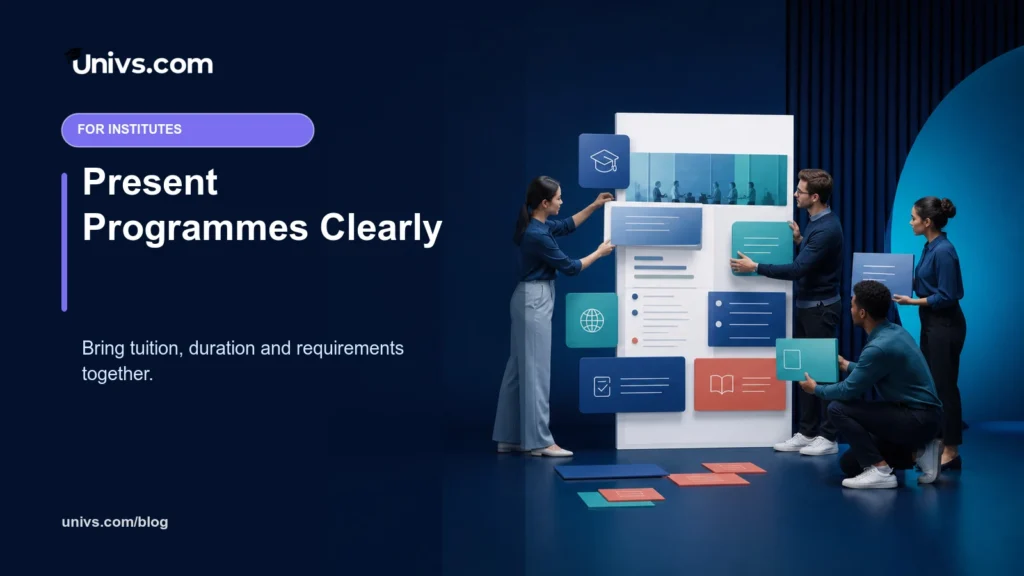
Read articleExplore How Univs Helps Institutes Present Programmes Clearly with current evidence, practical checks and clear next steps for international students..
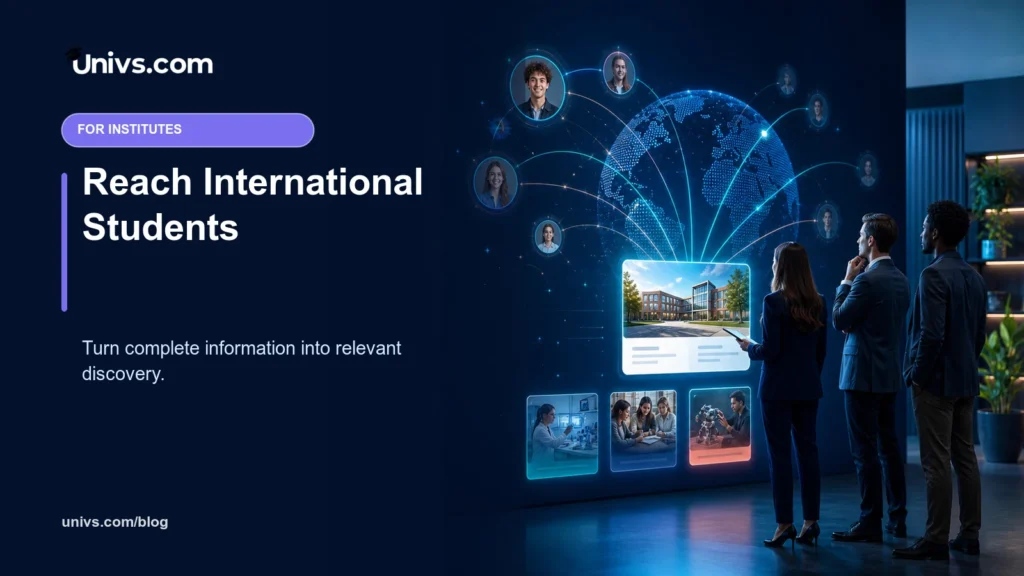
Read articleSee how a complete Univs institute profile and connected programme catalogue can improve international discovery without promising applications or enrolments.
Read articleExplore When Should a Parent Contact Univs Support with current evidence, practical checks and clear next steps for international students..
Read articleHelp your student verify programme identity, fees, duration, language and application availability on Univs without treating a listing as a permanent guarantee.
Read articleExplore
Resources
Partners
Company
Legal & privacy
© 2026 Univs LLC, trading as Univs.com · All rights reservedInstall our app for faster access, offline support, and a better experience.
Connect to Wi-Fi or mobile data, then try again.